liquidFOLDERS is a revolutionary way to manage all the files on your computer, in your cloud storage and in your local network. Tired of creating directories and looking for stuff all the time? Then liquidFOLDERS is for you! It has been primarily designed for media files, but works great with all other file types, too.
liquidFOLDERS puts leading database technology to work for you. All details are covered by our beautifully designed and highly intuitive user interface. You can enjoy liquidFOLDERS right from the start!
Learn more…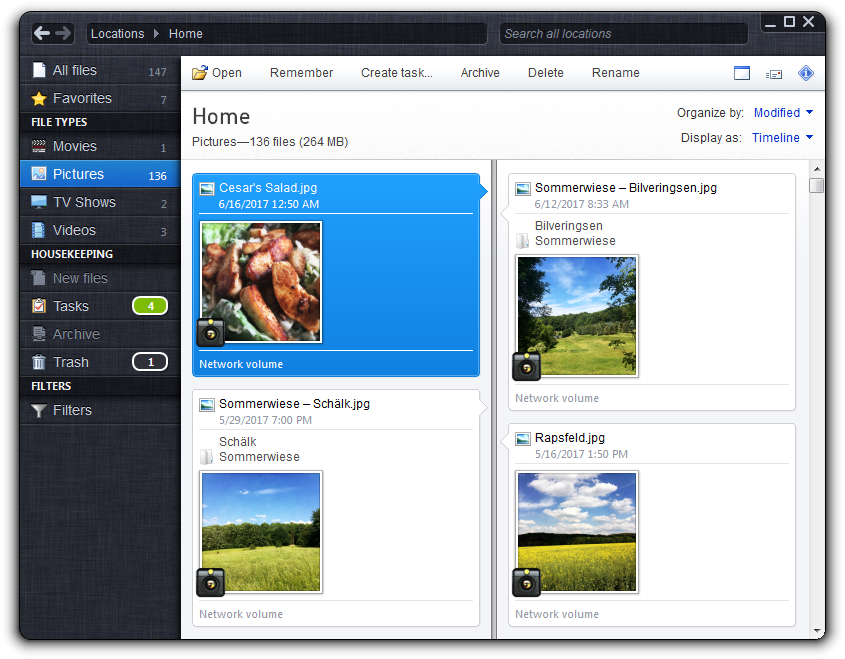

Kim is a college sophomore. She uses Dropbox to keep the files on her devices in sync. She also has iCloud Drive enabled on her iPhone. liquidFOLDERS helps her to keep track of all her accounts.
Learn more…
Jerome is a professional DJ, who keeps thousands of music files on the PC in his studio. liquidFOLDERS makes it really easy for Jerome to keep track of his music collection.
Learn more…
Pierre and his family love to travel in their tight spare time, and they always take a lot of pictures on their way. liquidFOLDERS makes organizing them a breeze.
Learn more…
Michael is a consultant. His job involves frequent and worldwide travelling on various assignments. liquidFOLDERS enables him to finally organize his documents by location.
Learn more…
Linda and Walter have stored their entire photo collection and the memories of a lifetime on their laptop. liquidFOLDERS takes their organizing to the next level, without abandoning their directory tree.
Learn more…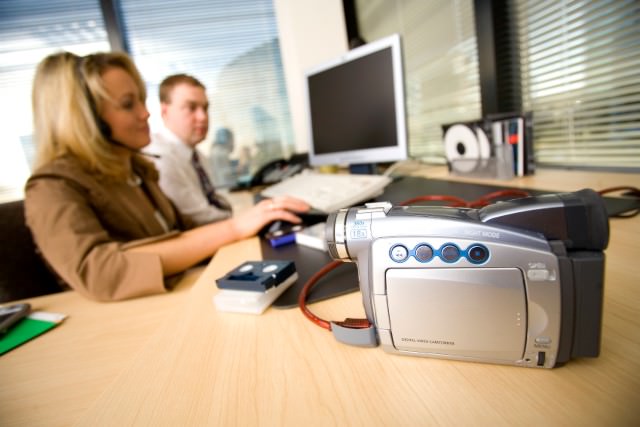
Sabrina works for a large company that produces TV and radio ads. With liquidFOLDERS, she can search footage on network shares and external drives that are not online right now.
Learn more…liquidFOLDERS is one of the best tools for your files and data out there. That's because of the unique idea that sparked its development. Here we explain the innovation of liquidFOLDERS—using some toy bricks!
Learn more…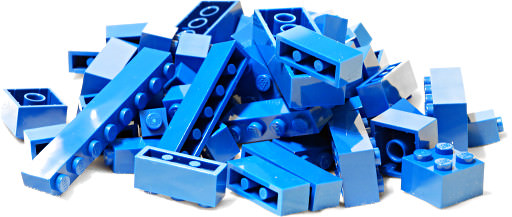

Please choose the installer which is right for your Windows version.
Getting started…